Exclusive client gift
Welcome! An Extra Gift For You.
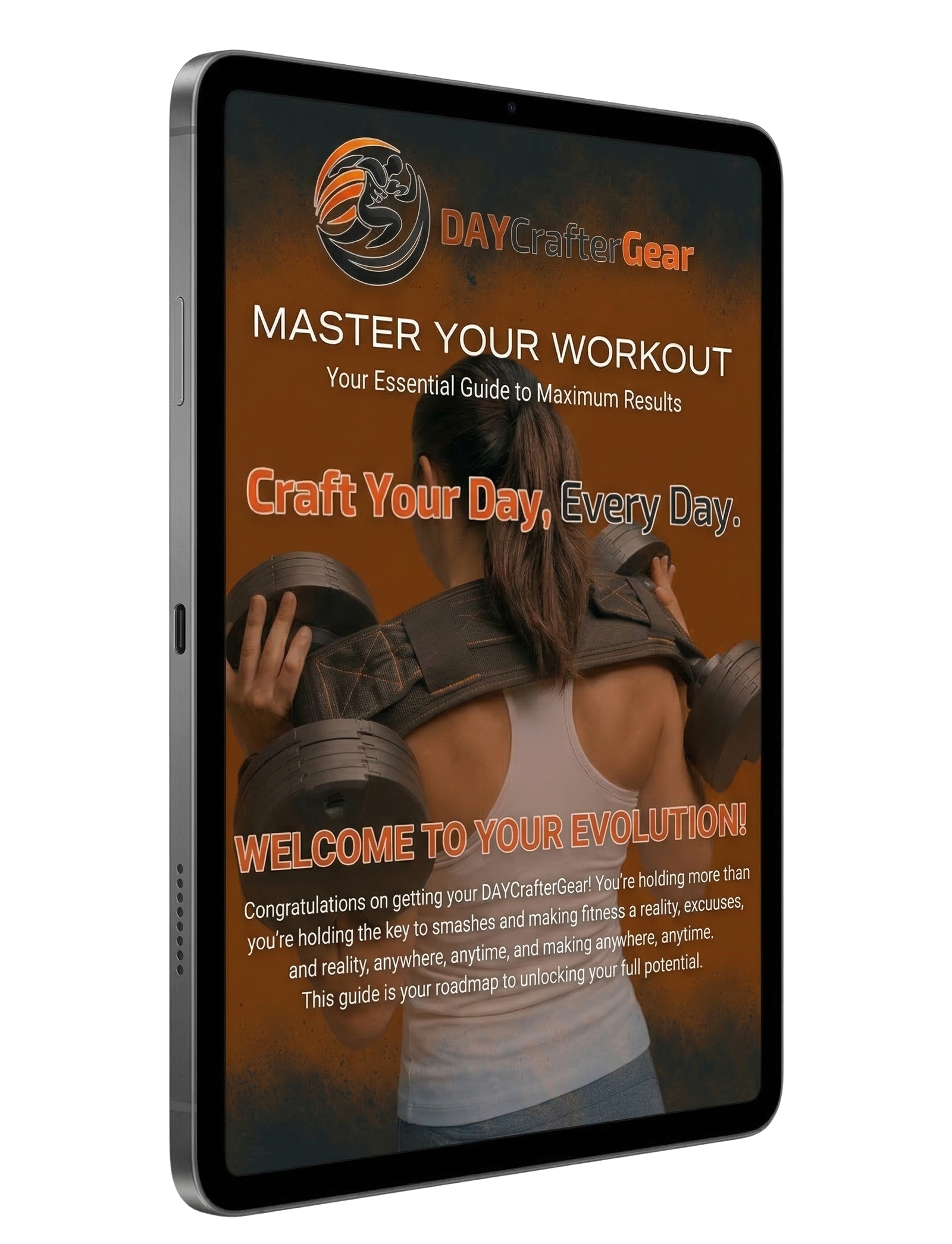
You’re in the right place for your setup videos. As a new DAYCrafter client, we also want to give you our exclusive EBook Training Guide. Subscribe to our client newsletter to get your free guide now, plus early access to new products and exclusive offers.
Master Your DAY-X
3 Modes · 3 Tutorials · Everything You Need
Step-by-step tutorials for every mode of the DAY-X.
Whether you already own one or you’re considering it — see exactly how the system works before you train.
New to DAY-X? Start with the Cam Bridge, then choose Mode 1 or Free Hip Thrust.
Follow This Order
Learn the shared Cam Bridge setup once, then choose the Hip Thrust tutorial that matches how you want to train.
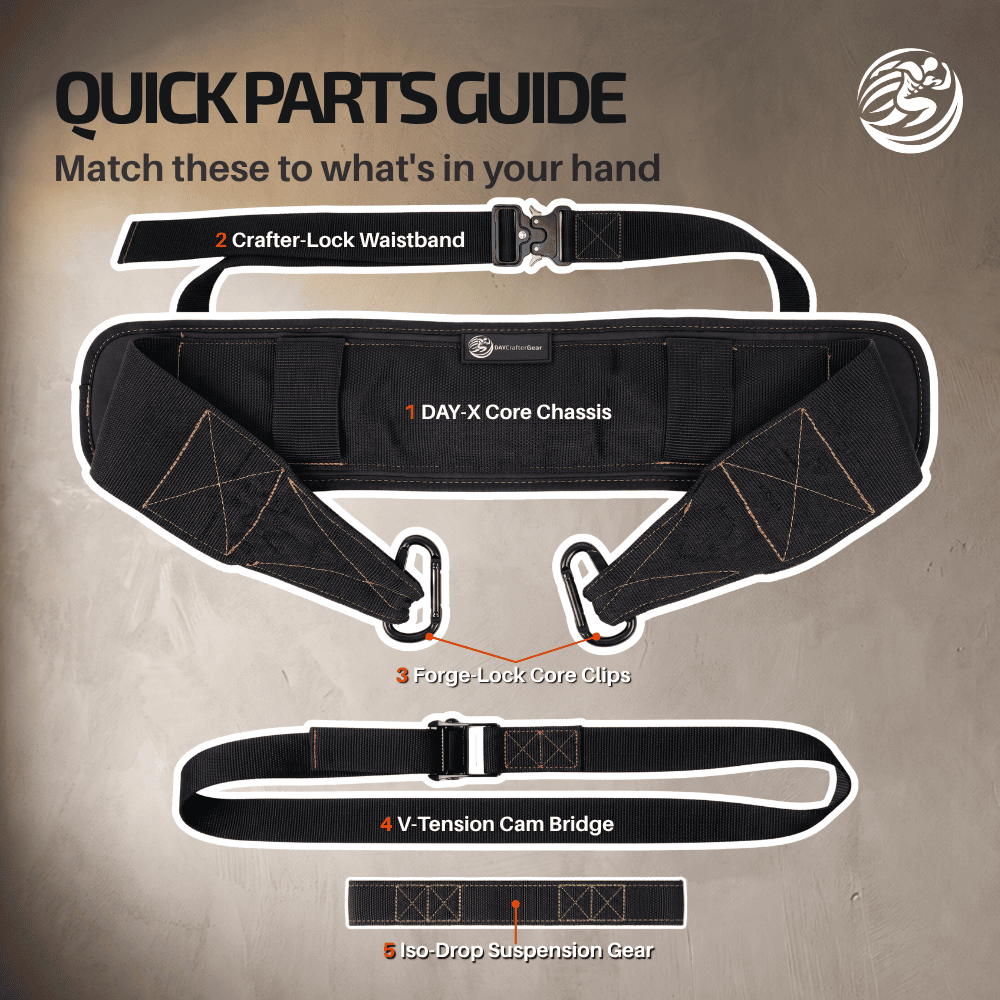
V-Tension Cam Bridge
Learn the base connection used by Mode 1 and Mode 2 Free Hip Thrust.
Start HereChoose Your Hip Thrust
Both options use the Cam Bridge. Pick the feel and setup speed you prefer.
A Mode 1 · TetheredMost locked-in · Uses Waistband B Mode 2 · Free Hip ThrustFaster setup · No WaistbandStep Out & Reconnect
After your setup, learn how to release one side between sets and reconnect without starting over.
Watch the ShortcutQuick Tutorial Index
Jump directly to the setup or reference you need.
 See the setup on a person
Tethered
Tethered Hip Thrust
Maximum stability for heavy hip thrusts.
 Free Hip Thrust + Yoke Lock
Free Use
Free Use
One tutorial, two setups — no waistband.
- Free Hip ThrustUses the Cam Bridge.
- Yoke LockCarabiner to carabiner · No Cam Bridge.
 Suspended load setup
Suspended
Suspended Load
For belt squats, weighted dips, and pull-ups.
The Cam Bridge guide shows the connection step by step.
First, Build Your Cam Bridge.
This overhead video is the shared starting point for Mode 1 Tethered and Mode 2 Free Hip Thrust.
Overhead component guide · Mode 1 + Free Hip Thrust only
Form the closed loop, load, route, clip, tension, adjust, and fully release the Cam Bridge. Threading begins at 00:08.
This is an overhead component view. If you choose Mode 1, the next tutorial shows the complete setup on a person, including how to wear the Crafter-Lock Waistband.
Both are valid for first-time users. Choose the setup you want to train with.
Looking for Yoke Lock or Suspended Load? Use the Quick Tutorial Index.
Maximum Stability.
Heavy hip thrusts with zero drift. The Crafter-Lock Waistband™ anchors the Chassis to your body — your weights stay locked horizontal, rep after rep.
 Glutes
 Hamstrings
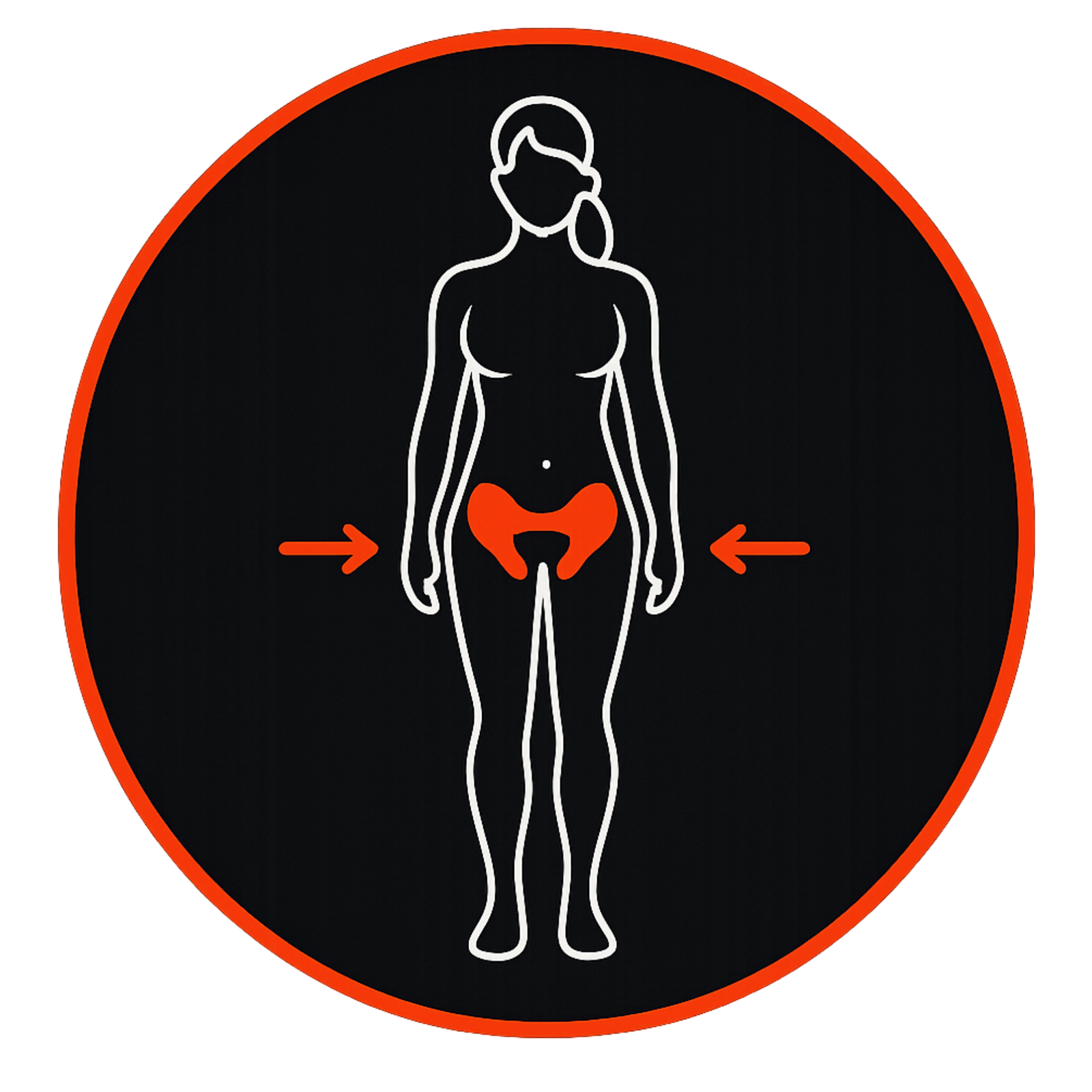 Hip Stab.
First time using the Cam Bridge?
Review the overhead setup if the Center Tension Strap is loose, unthreaded, or difficult to route.
Finished the Mode 1 video? The final optional guide shows how to step out between sets and reconnect without rebuilding your setup.
View Setup Checklist · Reference Only
Quick recap, not video chapters. The items below do not jump to a specific moment in the video.
Freedom & Versatility.
Start with Free Hip Thrust using the Cam Bridge and no Waistband. Yoke Lock is a separate option for squats, lunges, calf raises, and good mornings.
Remove the Crafter-Lock Waistband™ from the Core Chassis. Mode 2 does not use it — this applies to both Free Hip Thrust and Yoke Lock.
 Quads
Glutes
Quads
Glutes
 Core
Core
 Calves
One video, two setups: Free Hip Thrust first, then Yoke Lock.
Finished the Free Hip Thrust portion? The final optional guide shows how to step out between sets and reconnect without rebuilding your setup.
View Setup Checklist · Reference Only
Quick recap, not video chapters. The items below do not jump to a specific moment in the video.
Suspended Load.
Loads hang below your body. The Iso-Drop Suspension Gear™ transfers weight vertically through the Chassis — for belt squats, weighted dips, and weighted pull-ups.
 Chest
Chest
 Biceps
 Lats
Lats
 Triceps
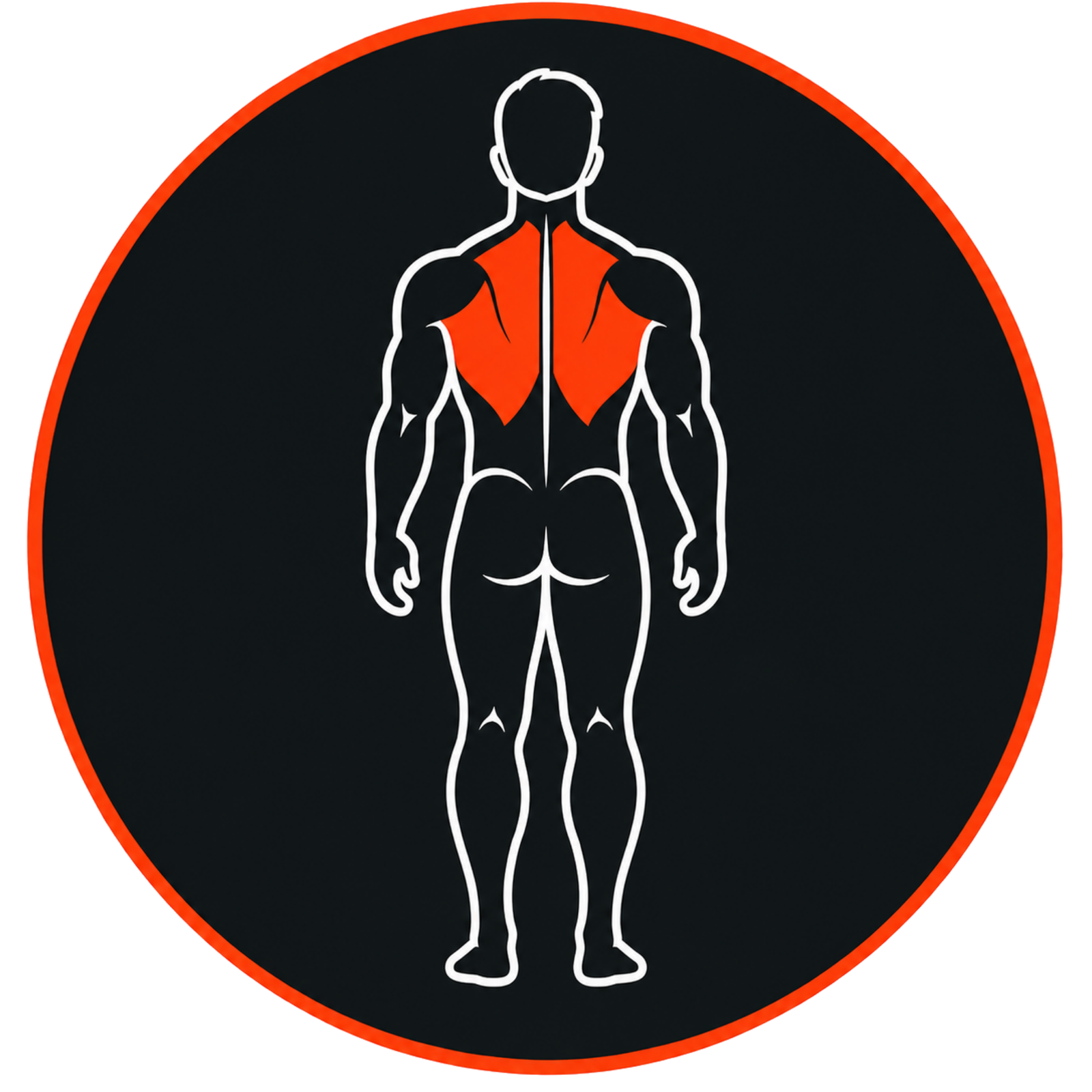 Back
Quads
Glutes
Back
Quads
Glutes
View Setup Checklist · Reference Only
Quick recap, not video chapters. The items below do not jump to a specific moment in the video.
Step Out & Reconnect.
This optional shortcut shows how to release only one side between sets, step out, and reconnect without rebuilding your Hip Thrust setup.
Between-Set One-Side Release
For 01 Tethered · 02 Free Use
Step out between sets by releasing only one side, then reconnect the DAY-X without taking apart the entire configuration.
Unbuckle the Crafter-Lock Waistband™ first. The one-side release and reassembly process shown in the video remains the same.
Still Have Questions?
We’ve Got Your Back.
If anything about the setup, configuration, or technique is unclear — reach out. We answer every Crafter personally.
Contact the DAYCrafterGear TeamDAYCrafterGear
Craft Your Day. Every Day.
Tutorials live here as long as you own the gear. Bookmark this page — come back any time you need a refresher.